
Checking Certor Gate...
AI can act.
Certor decides.
One request path. One authority decision.
Submit one real request through Certor. Certor decides whether to PERMIT, DEFER, or BLOCK based on request validity and authority state.
Live Gate Health
Validity → Authority → Decision
Real Decision Path
No Permit → No Execution™
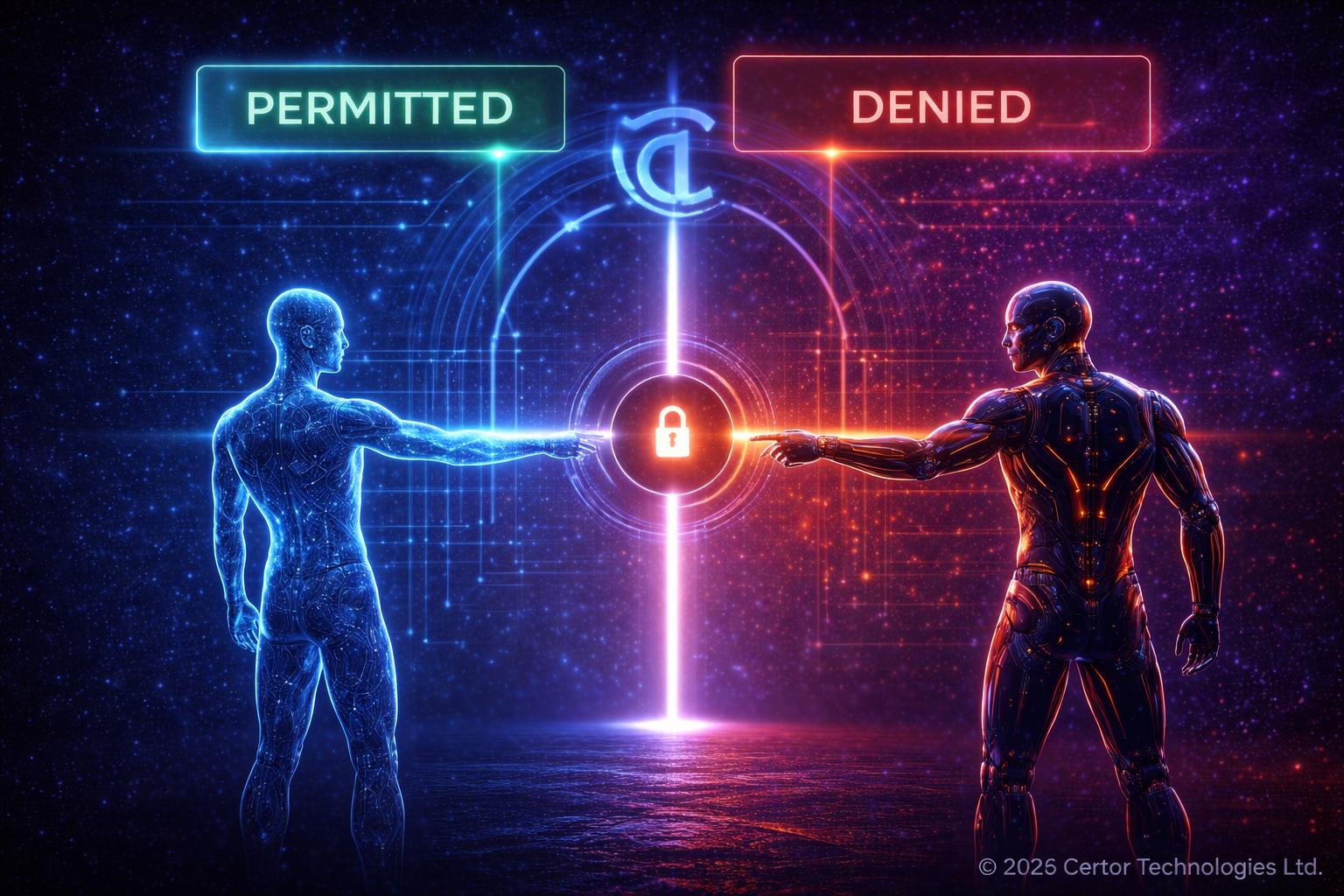
End-to-End Agent Request Through Certor™
PERMIT
Valid request + authority established = execution path authorized by Certor™.
DEFER
Valid request + authority pending = Certor™ defers execution until authority is established.
BLOCK
Invalid or unauthorized request = Certor™ blocks execution before action.
Examples:
Approved:
Deferred:
Blocked:
Approved:
contact@certor.aiDeferred:
test@certor.aiBlocked:
test@@certor
Checking live Gate status...
Authority → Execution → Evidence
Certor™ separates authority, execution, and evidence. Approved requests may proceed through a controlled execution path and produce verifiable evidence.
Execution Paths: Email Adapter · LLM Adapter
1
Agent submitted action request
2
Certor™ validates request structure
3
Certor™ evaluates authority
4
Decision, execution status, and evidence state returned
Decision
—
Waiting for live request
Execution
Idle
No execution result yet
Authority State
—
No authority action yet
Public Live Result
Waiting for request
{
  "status": "idle",
  "message": "Ready to submit through Certor"
}